

Point of Sale Machine for Shops: How to Choose the Right One
Point of Sale Machine for Shops: How to Choose the Right One
Choosing the right Point of Sale Machine for Shops can make everyday billing, inventory management, payments, and sales reporting much easier. Whether you run a kirana store, supermarket, pharmacy, clothing shop, electronics store, bakery, restaurant, or other retail business, the right POS setup can help organize your checkout process and reduce manual work.
A modern POS system can do much more than generate bills. Depending on the software and hardware configuration, it can support barcode scanning, inventory tracking, GST billing, multiple payment methods, customer management, sales reports, receipt printing, and other business operations.
If you are planning to buy a POS machine for your shop , understanding the important features before making a purchase can help you select a system that matches your business requirements.
What Is a Point of Sale Machine?
A Point of Sale (POS) machine is a hardware and software system used to process sales transactions at a business checkout counter.
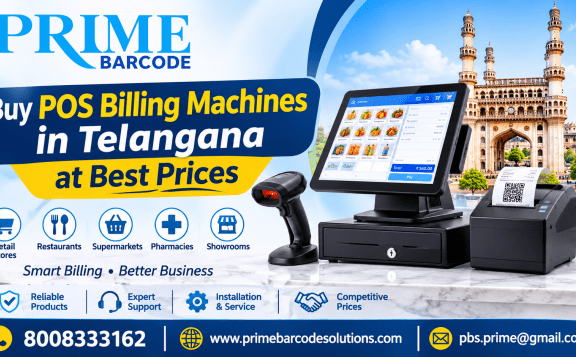
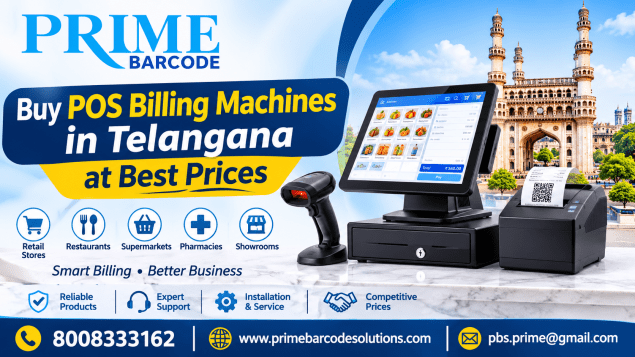
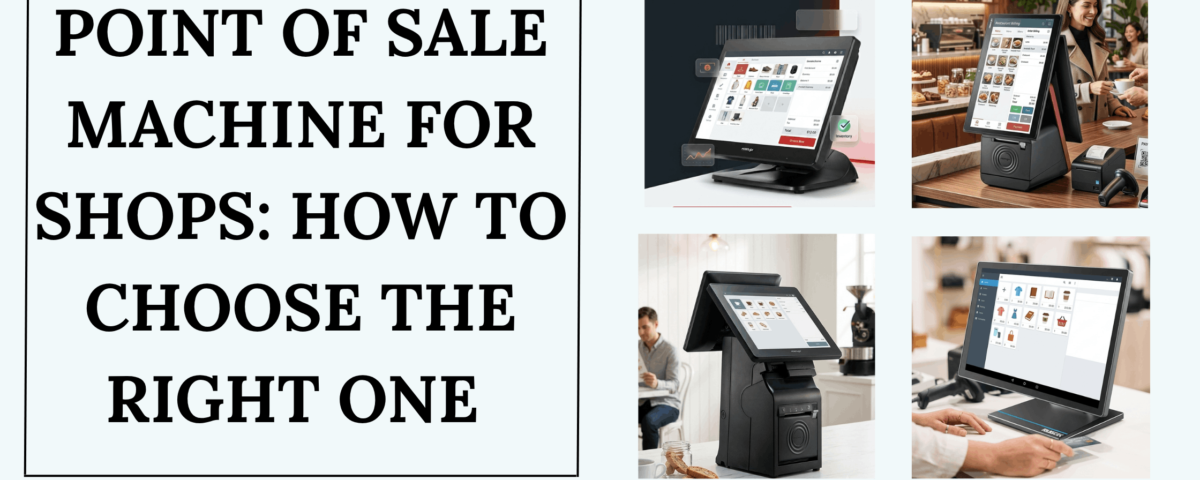
A typical POS setup may include:
- POS computer or touchscreen terminal
- POS billing software
- Barcode scanner
- Thermal receipt printer
- Cash drawer
- Customer display
- Payment or UPI integration
- Inventory and reporting software
The exact configuration depends on the type and size of your business. For a retail shop, a POS system can connect the billing process with inventory and sales records.
Why Do Shops Need a POS Machine?
Manual billing and stock management can become difficult as the number of products and daily transactions increases. A POS machine helps bring important activities into one organized system.
1. Faster Billing
Barcode scanning allows products to be added to a bill quickly instead of entering product information manually. This can be particularly useful for shops with hundreds or thousands of products.
2. Better Inventory Management
An integrated POS system can automatically update inventory after sales. Features such as low-stock alerts, product-level tracking, purchase management, and stock reports can help shop owners monitor their inventory more efficiently.
3. Multiple Payment Options
Modern retail POS systems can support workflows involving cash, cards, UPI and other payment methods, depending on the software and payment integrations used.
4. Organized Sales Reports
A POS system can provide information such as daily sales, product-wise sales, payment-wise transactions, and other reports. This gives business owners better visibility into their shop's performance.
5. Reduced Manual Errors
Automated product selection, pricing, tax calculations, and invoice generation can reduce the amount of repetitive data entry required at the counter.
How to Choose the Right Point of Sale Machine for Your Shop
Not every shop requires the same POS configuration. Before buying, consider the following factors.
1. Identify Your Business Type
Start by identifying what your shop actually needs.
Kirana and grocery stores: Barcode billing, inventory control, weighing-scale integration, customer credit management, and fast checkout can be useful.
Pharmacies: Batch tracking, expiry management, inventory control, barcode scanning, and billing features may be important.
Clothing stores: Product variants such as size, colour, brand, barcode management, and customer purchase history can be useful.
Electronics stores: Product-level tracking, serial numbers, warranty information, inventory management, and detailed invoices may be required.
Restaurants and cafés: Menu management, table billing, KOT printing, kitchen integration, and multiple payment options can be important.
The right POS machine depends on your business workflow and the features you actually need.
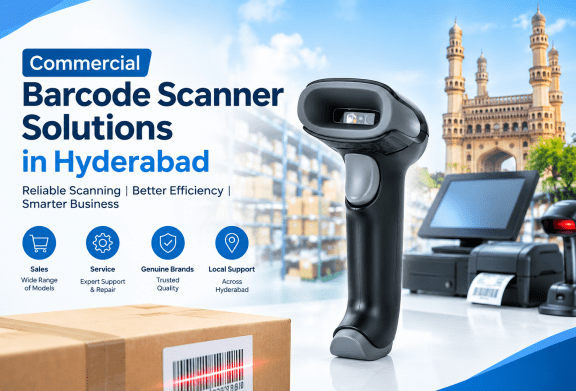
2. Check Barcode Scanner Compatibility
If your shop sells barcode-labelled products, barcode scanning should be an important consideration.
A compatible barcode scanner can allow the cashier to scan a product and automatically add the corresponding item to the bill. This helps reduce manual product searches and speeds up checkout.
3. Look for Reliable Billing Software
The POS hardware is only one part of the system. The billing software is equally important.
- Fast product search
- Barcode billing
- GST-ready invoicing
- Discount management
- Sales returns
- Multiple payment modes
- Customer management
- Inventory tracking
- Sales reports
- User permissions
- Data backup
- Thermal printing support
4. Consider the POS Display
A touchscreen POS terminal can make product selection and billing easier for employees. When choosing a POS machine, consider screen size, touch responsiveness, processor performance, RAM, storage, operating system, connectivity and available ports.
5. Check Thermal Printer Support
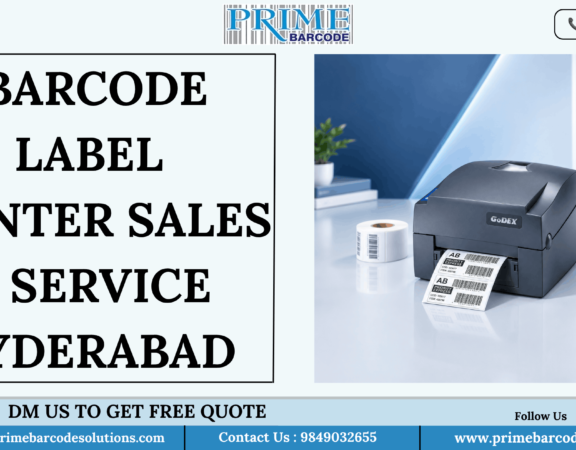
A thermal receipt printer is commonly used with POS systems because it can produce receipts quickly. Before purchasing, check compatibility with the required printer size, such as 58mm or 80mm.
6. Don't Ignore the Cash Drawer
If your shop accepts cash payments, a reliable cash drawer can be integrated with the POS setup. It helps organize currency notes, coins and daily cash collections.
7. Check Inventory Features
- Real-time stock updates
- Product-wise stock
- Low-stock alerts
- Purchase entries
- Supplier management
- Stock adjustments
- Product variants
- Batch tracking
- Expiry tracking where required
- Multi-location inventory
8. Consider Offline Billing
Internet connectivity can sometimes be unreliable. Ask the POS provider whether essential billing operations can continue when an internet connection is unavailable and which features remain available offline.
9. Look for Useful Reports
- Daily sales report
- Product-wise sales
- Category-wise sales
- Payment-wise sales
- Tax reports
- Stock reports
- Purchase reports
- Customer reports
- Staff-wise transactions
- Low-stock reports
10. Consider After-Sales Service
A POS system becomes an important part of daily shop operations. Therefore, after-sales service should be considered before purchasing.
- Installation
- Software setup
- Hardware warranty
- Technical support
- Replacement policies
- On-site service
- Software updates
- Staff training
Point of Sale Machine for Different Types of Shops
| Business Type | Important POS Requirements |
|---|---|
| Kirana Store | Barcode billing, inventory, UPI, customer credit |
| Supermarket | Fast billing, barcode scanner, inventory, multiple counters |
| Pharmacy | Batch, expiry, barcode, inventory and billing |
| Clothing Store | Size/colour variants, barcode, inventory |
| Electronics Shop | Serial tracking, warranty records, inventory |
| Bakery | Fast billing, product management, thermal printing |
| Restaurant | Table billing, KOT, menu management |
| Mobile Store | Product tracking, barcode, customer records |
| Hardware Store | Product search, inventory, billing and reports |
Hardware vs Software: What Should You Buy?
When searching for a POS machine for shops , remember that POS hardware and POS software work together.
POS Hardware
- POS terminal
- Touchscreen monitor
- Barcode scanner
- Thermal printer
- Cash drawer
- Customer display
POS Software
- Billing
- Inventory
- GST invoicing
- Customer management
- Reports
- Purchase management
- User controls
- Business analytics
Before buying, make sure the hardware and software are compatible. A complete POS setup should work as one integrated billing solution.
What Is the Best POS Machine for a Small Shop?
There is no single POS machine that is ideal for every small shop. A retailer should focus on the features that directly support daily operations.
- Fast billing
- Barcode scanning
- Inventory management
- GST invoicing where applicable
- Thermal receipt printing
- Cash and digital payment workflows
- Basic sales reports
- Easy-to-use software
- Reliable hardware
- Local technical support
What Should You Ask Before Buying a POS Machine?
- Is the POS software suitable for my industry?
- Does it support barcode scanners?
- Does it support thermal printers?
- Can I track inventory?
- Does it support GST billing?
- Can I accept multiple payment methods?
- Is offline billing available?
- Can I create different employee accounts?
- Can I access sales reports?
- Is data backed up?
- Can I expand to another billing counter later?
- What warranty is provided?
- What technical support is available?
- Are software updates included?
Point of Sale Machine Buying Checklist
- ✓ Suitable for your business type
- ✓ Fast and reliable billing
- ✓ Barcode scanner compatibility
- ✓ Thermal printer compatibility
- ✓ Cash drawer support
- ✓ Inventory management
- ✓ GST billing functionality where required
- ✓ Multiple payment workflows
- ✓ Sales and inventory reports
- ✓ User permissions
- ✓ Backup and data security
- ✓ Offline capability if required
- ✓ Warranty and technical support
- ✓ Scope for future expansion
Frequently Asked Questions
What is a point of sale machine used for?
A point of sale machine is used to process customer purchases and manage checkout operations. Depending on the system, it can also handle barcode billing, inventory, invoices, payments, customer information and sales reports.
Is a POS machine useful for a small shop?
A POS system can help small shops with faster billing, organized inventory, digital records and sales reporting. The required features depend on the shop's size and business model.
Does a POS machine include a barcode scanner?
Not always. A POS setup can be configured with separate peripherals such as a barcode scanner, thermal printer and cash drawer. Confirm the complete hardware package with the supplier before purchasing.
Can a POS machine manage inventory?
Many POS systems can manage inventory by connecting sales transactions with stock records. Features can include stock updates, low-stock alerts, purchase entries, batch tracking and multi-location inventory, depending on the software.
Can POS machines support GST billing?
Many POS billing systems designed for the Indian market support GST-related invoicing features. However, the exact GST functionality varies by software, so businesses should verify the specific capabilities with the provider.
How much does a POS machine cost?
The price depends on the hardware configuration, POS software, accessories, licensing model and business requirements. Consider the total cost of hardware, software, installation, maintenance and support rather than only the machine price.
Final Thoughts
Choosing the right point of sale machine for shops starts with understanding your daily business requirements. A reliable POS setup can bring billing, barcode scanning, inventory, receipts, payments and reporting into a more organized workflow.
Whether you operate a small retail store or a growing multi-counter business, focus on performance, compatibility, software functionality, ease of use, scalability and after-sales support before making your purchase.
Looking for POS Solutions for Your Shop?
For POS machines, billing solutions, barcode equipment and business requirements, contact Prime Barcode Solutions .
Get the Right POS Solution for Your Business
📞 Call: 8008333162
🌐 Website: www.primebarcodesolutions.com
Explore POS billing machines and solutions from Prime Barcode Solutions .
Contact Us
- 50 Vl Pride, Krishnapuri Colony, West Maredpally, Secunderabad-500026